

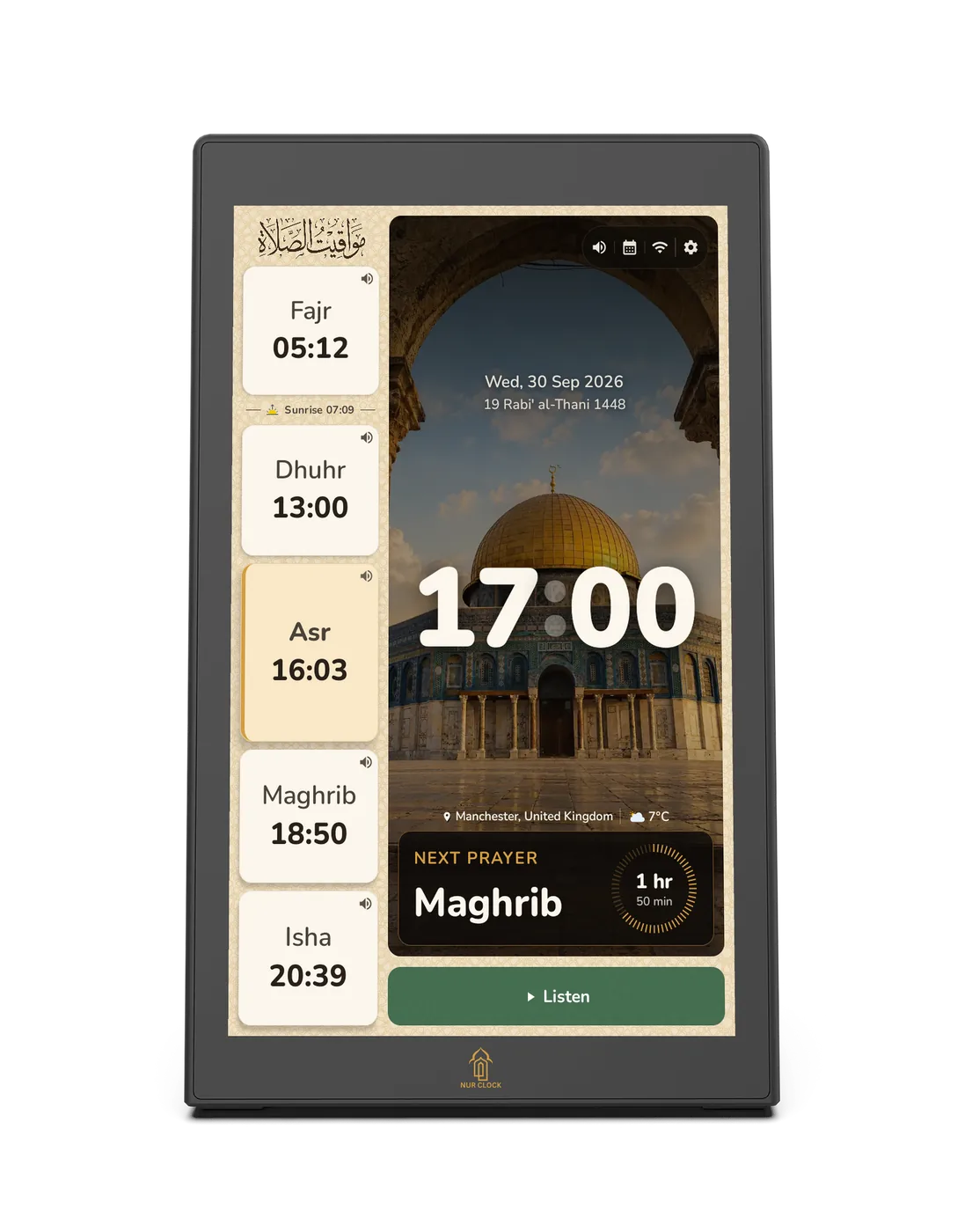
Works without Wi-Fi: prayer times, the Athan, prayer, Tahajjud and Duha reminders, night mode, clock styles, Azkar, pre-loaded reciters, read-along with the Saheeh International translation, USB audio and Bluetooth.
Needs Wi-Fi: the full reciter collection, live streams, radio, Hajj and Eid audio, the Abdel Haleem translation, online city search and software updates.
Without Wi-Fi, choose your city from the built-in list rather than Auto-detect.
Without Wi-Fi, turn off Network Time (Auto) in Settings → General. The time and date selector appears, so you can set them yourself.