

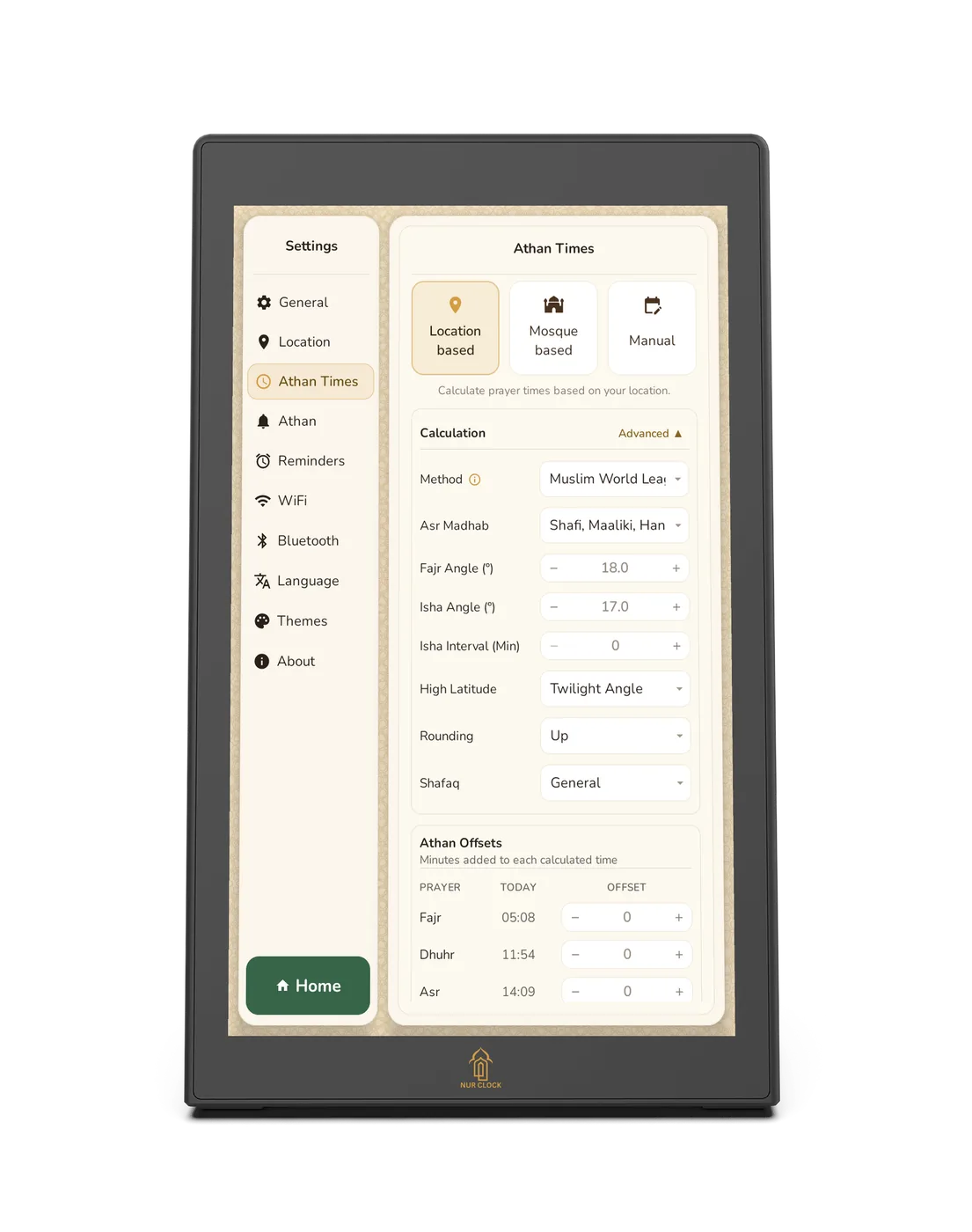
Open Settings → Athan Times and choose Location based.
Under Calculation & Adjustment, choose a method: Muslim World League, Egyptian, Karachi, Umm Al-Qura, Dubai, Qatar, Kuwait, Moonsighting Committee, Singapore, North America, or Manual input.
Choose your Asr madhab: Shafi‘i, Maliki and Hanbali (the default), or Hanafi.
In the UK and other northern countries, choose a high-latitude rule: Middle of the Night, Seventh of the Night, or Twilight Angle (the default).
Changes save automatically. Check the new times on the home screen.