

Open Settings → Location and check your country and city. Saving your location sets the time zone too.
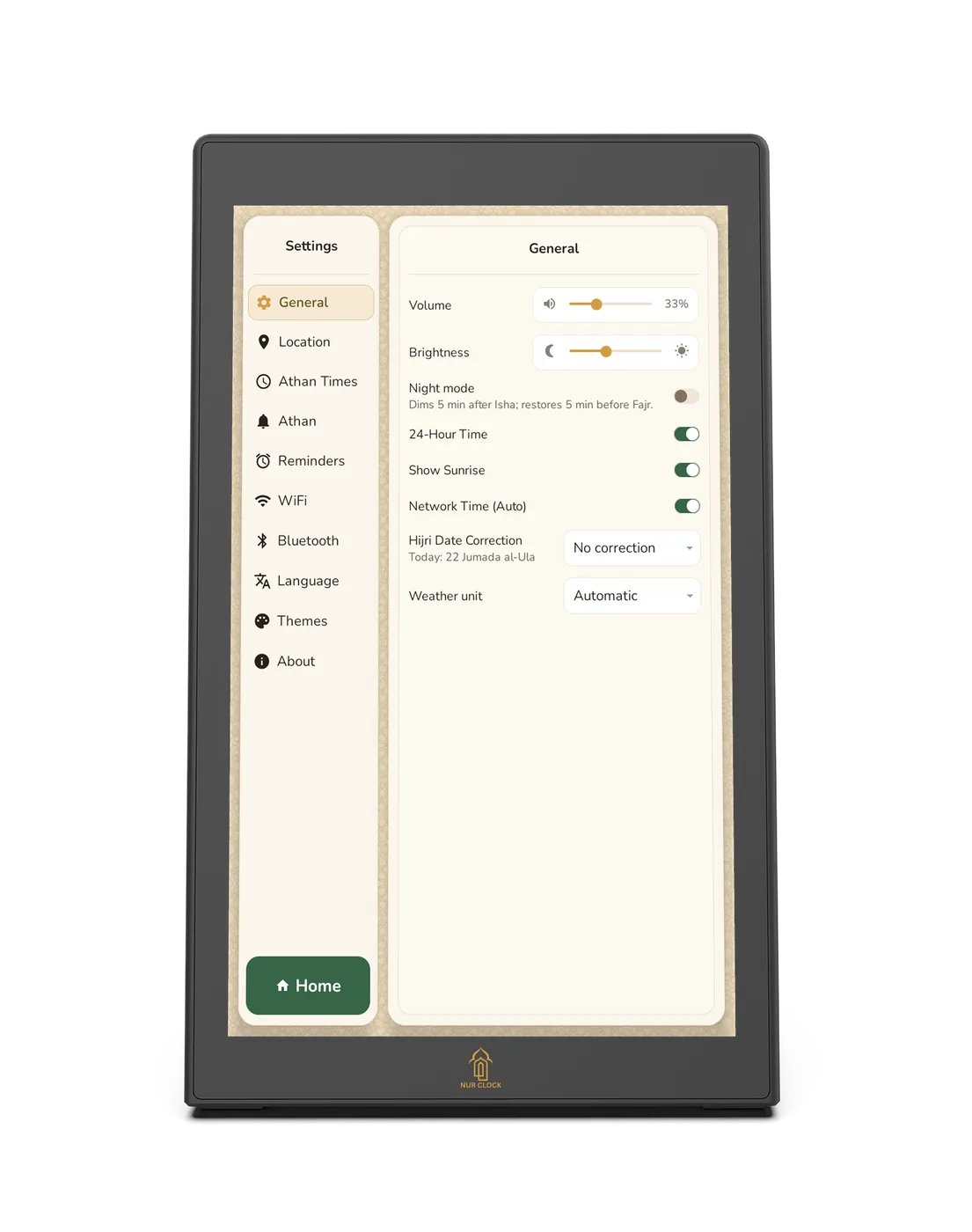
Open Settings → General. With Wi-Fi connected, keep Network Time (Auto) on and the time corrects itself.
Without Wi-Fi, turn Network Time (Auto) off. The time and date selector appears, so you can set them yourself.
On the same screen, choose 24-Hour Time, and use Hijri Date Correction if the Hijri date is a day out.