Athan and sound
Pairing a Bluetooth speaker
For a bigger room, play the Athan and recitation through a Bluetooth speaker.
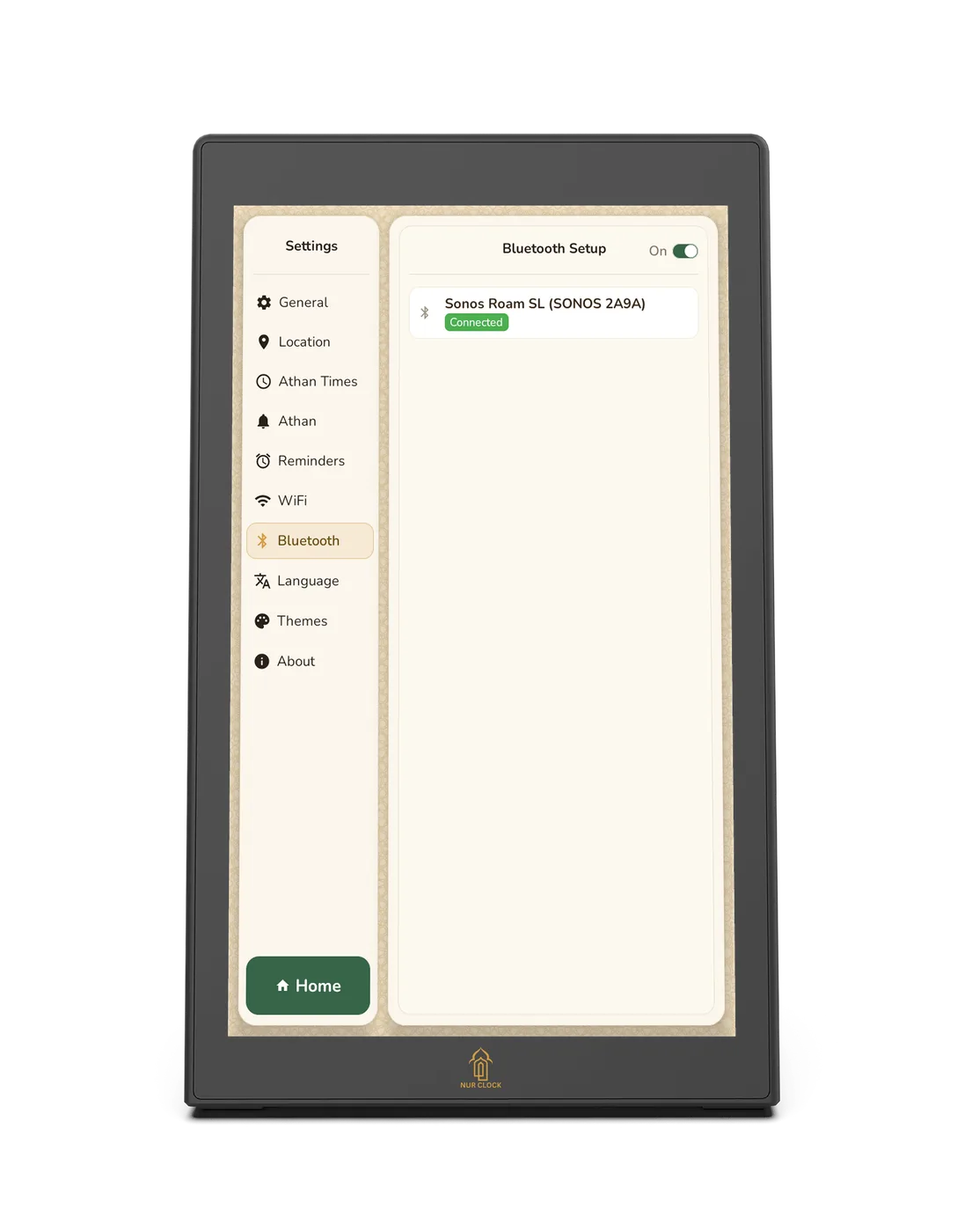
Nur Clock, 2nd generationSettings → Bluetooth
Switch your speaker on and put it into pairing mode (see its instructions).
On Nur Clock, open Settings → Bluetooth and make sure Bluetooth is switched On at the top.
Choose your speaker from the list of devices found.
When it shows Connected, play something from Listen to test it.
Keep the speaker switched on and in range, especially overnight for Fajr. You can also use a wired speaker in the 3.5mm output on the back.
Still need help?
Email support@nurclock.com and the team that makes Nur Clock will reply.