Listening
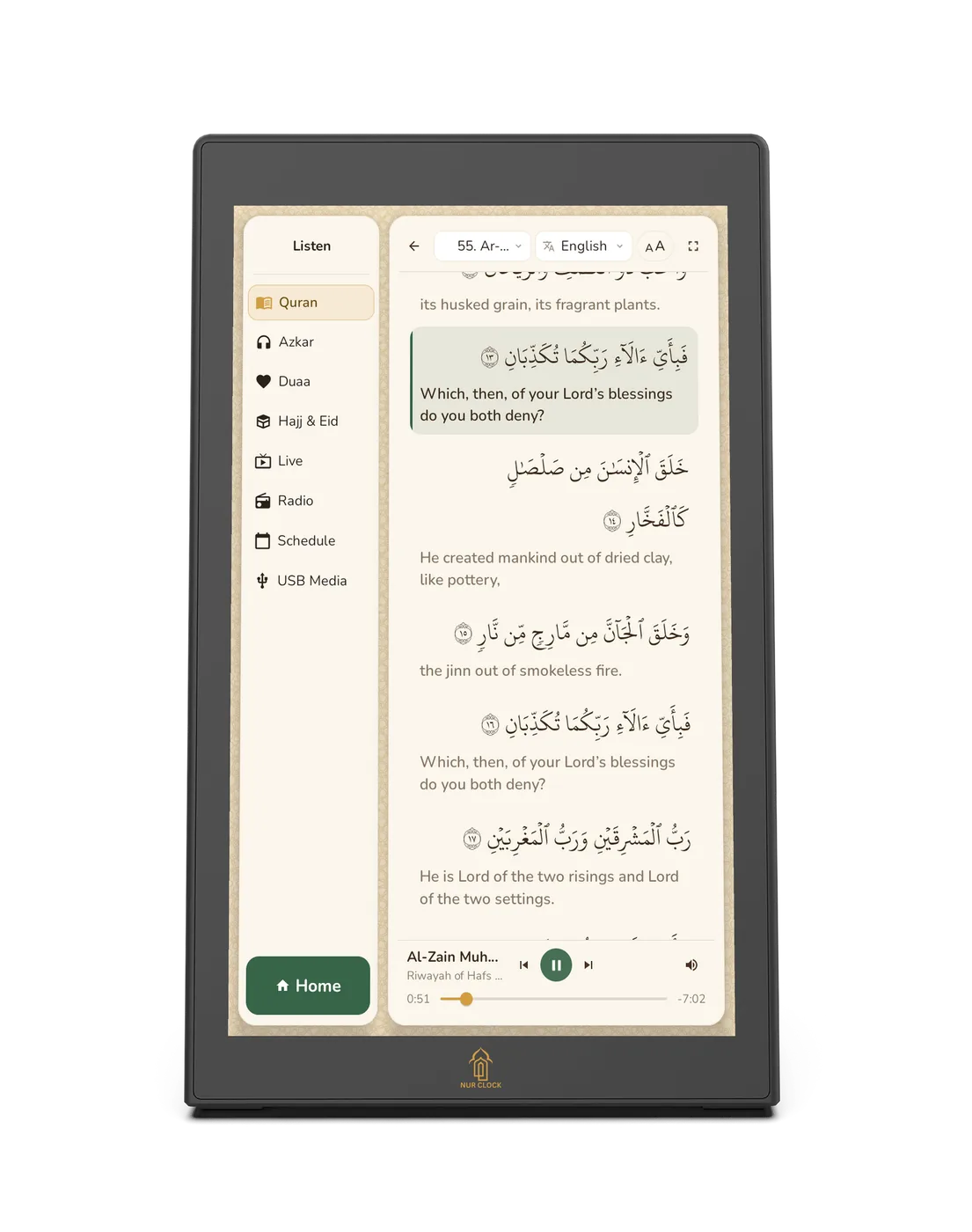
Reading along with the Quran
Follow the Arabic text verse by verse as you listen, with an English translation.
Nur Clock, 2nd generationListen → Quran → Read along
Tap Listen, then Quran, and choose a reciter and a surah.
In the player, tap Read along.
The current verse is highlighted and the text scrolls with the recitation.
Choose a translation: Saheeh International (works offline) or M. A. S. Abdel Haleem (downloads once over Wi-Fi). Change the text size or go full screen.
Save favourite reciters with the star, or build your own list of reciters and surahs in My Quran List.
Still need help?
Email support@nurclock.com and the team that makes Nur Clock will reply.