

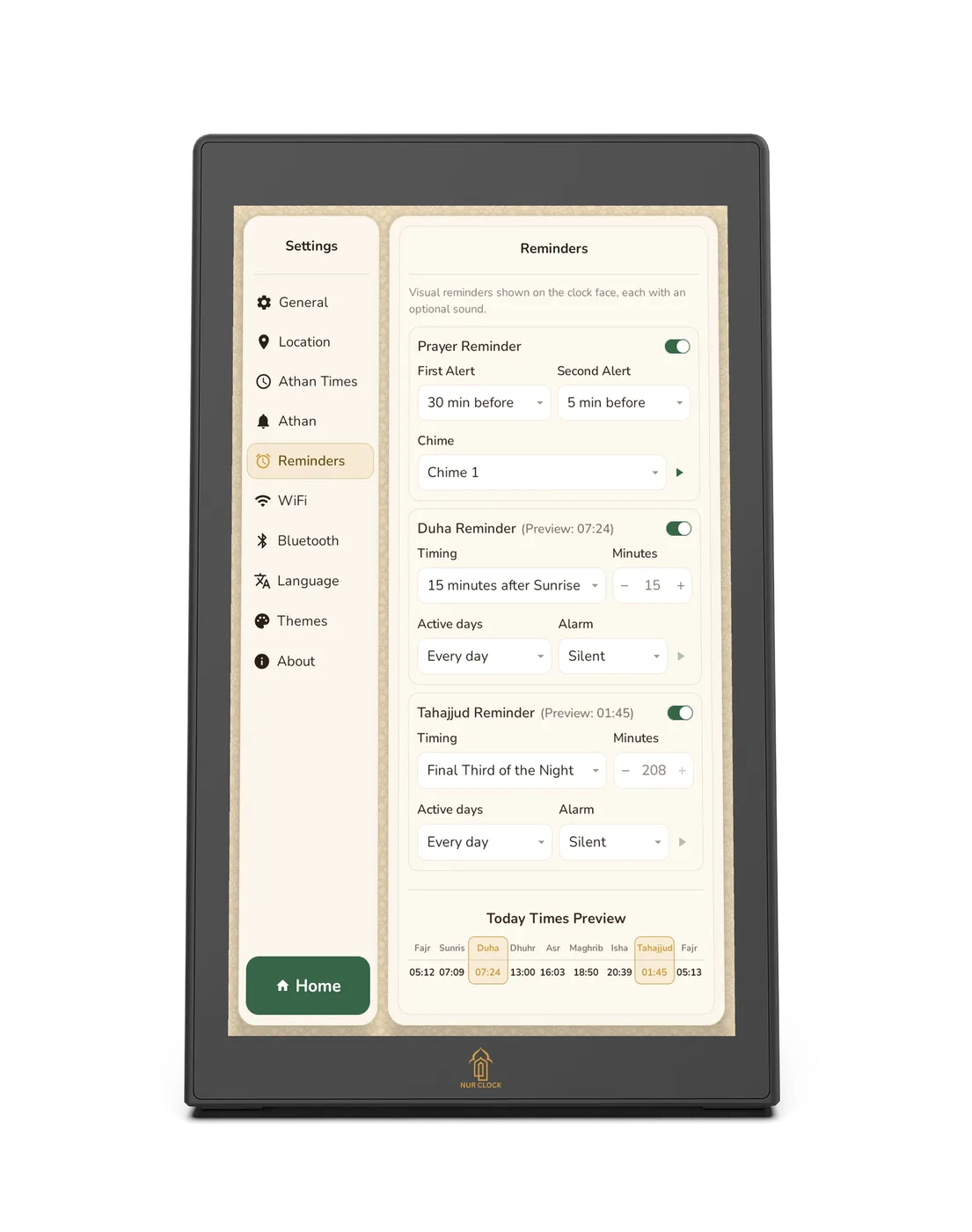
Open Settings → Reminders.
Prayer reminder: choose the first and second alert (30, 10 or 5 minutes before, or off) and a chime. The defaults are 30 and 5 minutes.
Tahajjud: choose the final third of the night (the default), 30, 45 or 60 minutes before Fajr, or set your own time.
Duha: choose 15 (the default), 30, 45 or 60 minutes after sunrise, or set your own time.
For Tahajjud and Duha, choose the days and an alarm sound, or keep it silent. Today’s times preview shows when they’ll appear.