Listening
Scheduling Quran or Azkar
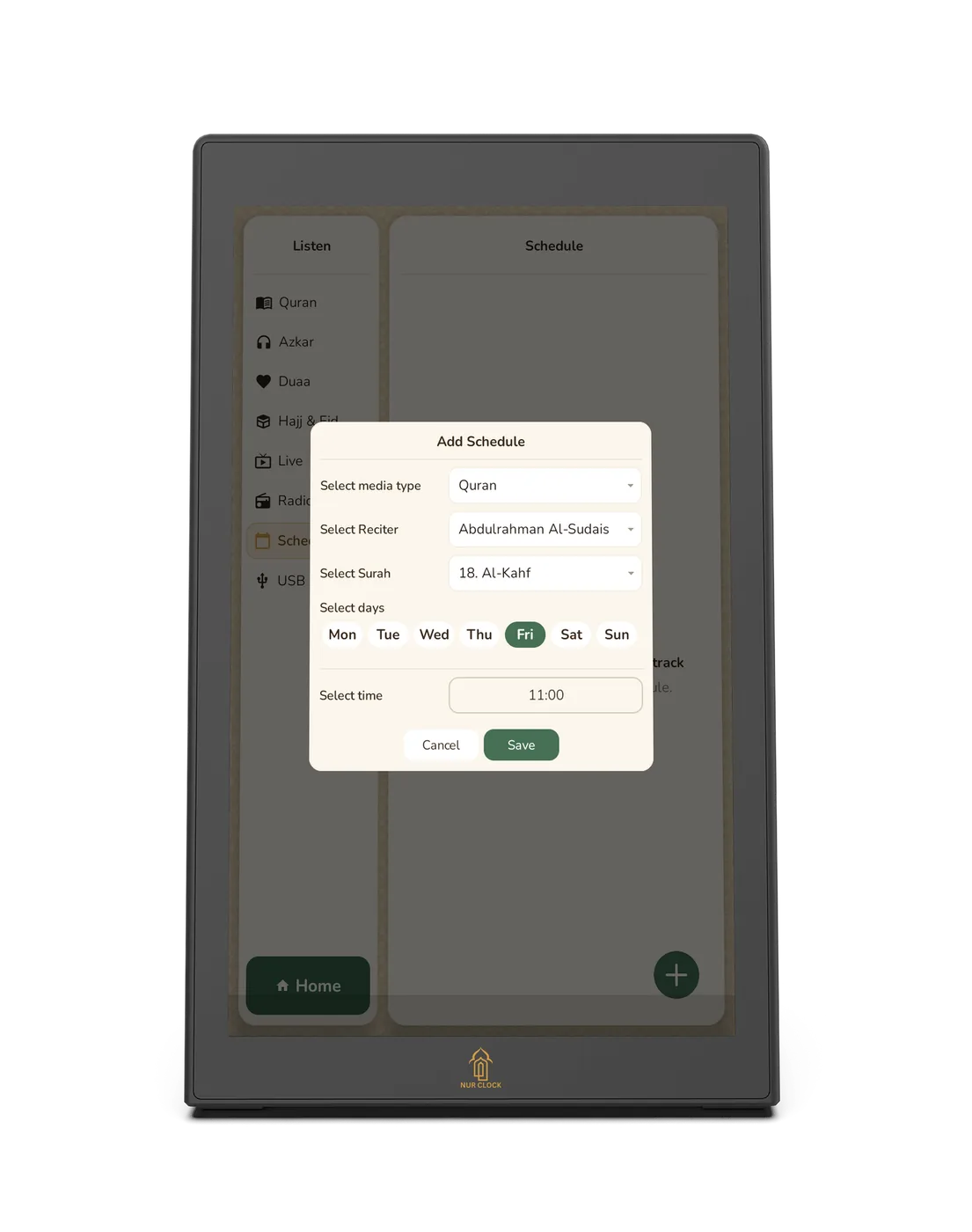
Have Surah Al-Kahf play every Friday, or Morning Azkar every day, by itself.
Nur Clock, 2nd generationListen → Schedule
Tap Listen on the home screen, then Schedule.
Tap Add and choose what to play: Quran (a surah and reciter) or Azkar.
Choose the time and the days. If you leave every day unticked, it plays every day.
Save. Nur Clock plays it automatically at that time.
Azkar always plays offline. For Quran, choose a pre-loaded reciter or keep Wi-Fi connected. Scheduled audio pauses for the Athan.
Still need help?
Email support@nurclock.com and the team that makes Nur Clock will reply.