Getting started
Connecting to Wi-Fi
Wi-Fi is optional. It adds the full reciter collection, live streams, radio, online city search and software updates.
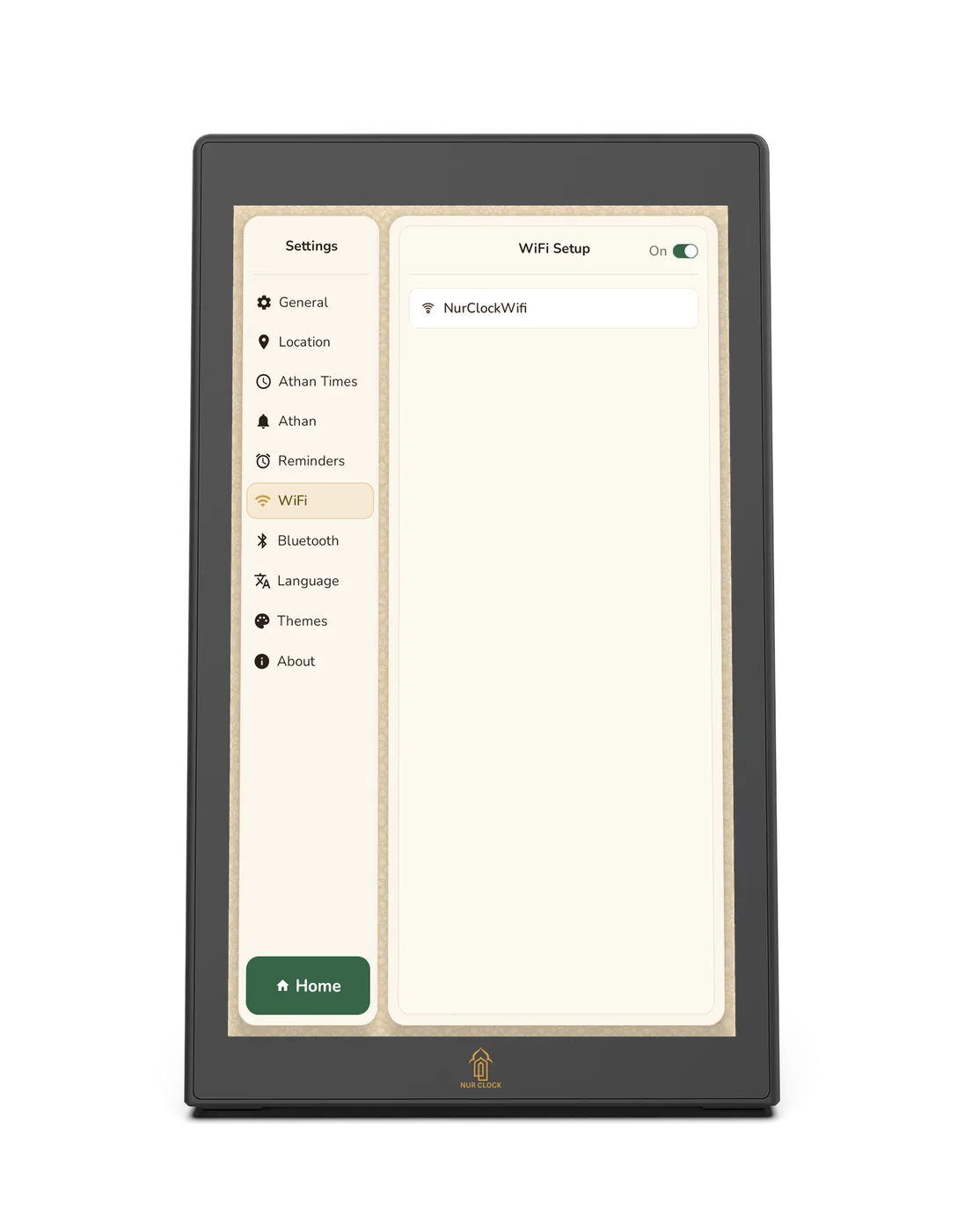
Nur Clock, 2nd generationSettings → WiFi
On the home screen, tap the settings icon in the top-right corner, then WiFi.
Make sure WiFi is switched On at the top. Nur Clock lists the networks nearby.
Choose your network and enter its password.
When it’s connected, tap Home to go back to the clock.
Nur Clock uses Wi-Fi 802.11 b/g/n. If your network doesn’t appear, check your router’s 2.4 GHz band is switched on. Prefer a cable? Plug one into the wired network port on the back.
Still need help?
Email support@nurclock.com and the team that makes Nur Clock will reply.