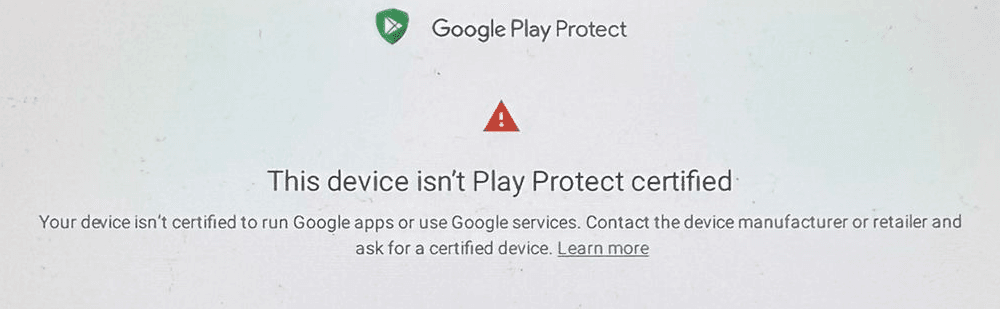
How to Fix: “This Device Isn’t Play Protect Certified” on Nur Clock
If you see the error message:
“This device isn’t Play Protect certified.”
don’t worry — this is usually easy to fix.
On Nur Clock devices, this message almost always appears when Debug Mode is enabled or when users attempt to sign into Google Play and install extra apps.
Nur Clock is designed to work out of the box, without Google login, registrations, or additional apps.
Let’s walk through the correct fix step by step.
First (Most Important): Turn Debug Mode OFF
Please start here — in most cases, this alone resolves the issue.
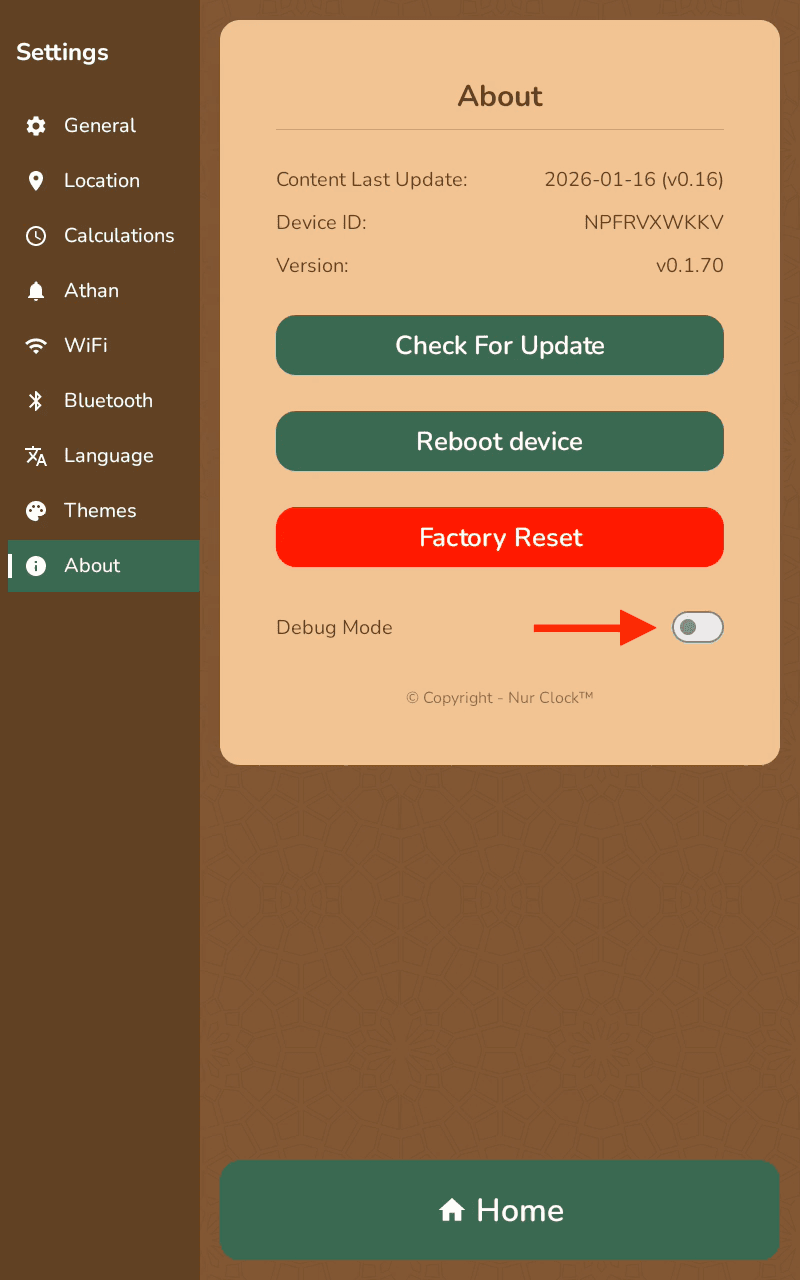
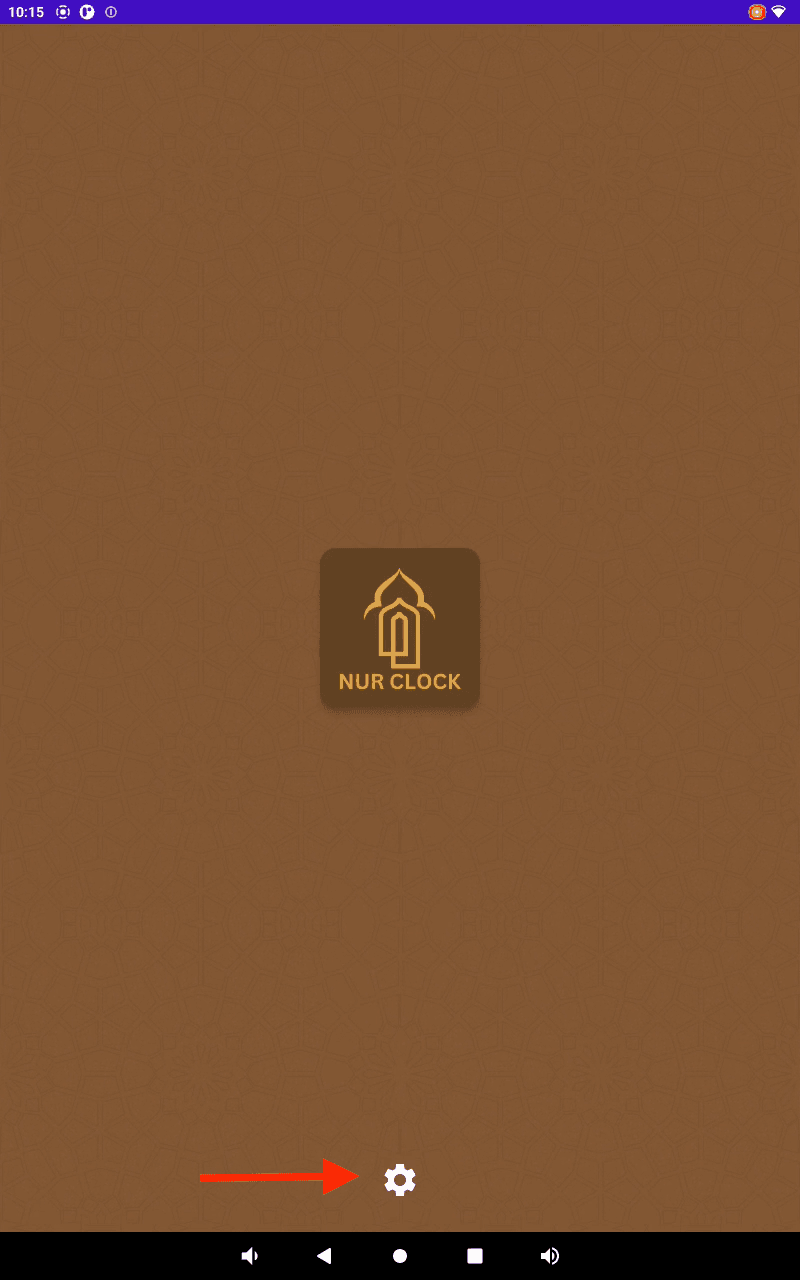
Open Settings
Go to About
Find Debug Mode
Make sure it is set to OFF
👉 Important: Always keep Debug Mode OFF during normal use.
Don’t Sign Into Google Play or Install Extra Apps
Nur Clock is a dedicated device.
Please do not:
Log into Google Play
Install third-party apps
Modify Android system settings
Doing so can trigger Play Protect warnings and interfere with normal operation.
If the Error Still Appears After Turning Debug Mode OFF
If you’ve already disabled Debug Mode and the issue persists, follow these recovery steps carefully.
Step 1 — Temporarily Enable Debug
Go to:
Settings > Debug
Turn Debug ON
Step 2 — Access Android System Settings
Swipe up
Tap the circle button to go to the Android home screen
Tap the Settings (gear icon)
Step 3 — Clear Google Play Services Data
Now follow this exact path:
Apps & notifications
SEE ALL APPS
Select Google Play Services
Tap Storage & cache
Choose CLEAR STORAGE
Select Clear all data
Confirm
You’ll automatically be redirected back to the Nur Clock app.
Step 4 — Disable Debug Mode Again
Return to:
Settings > About
Turn Debug Mode OFF
Step 5 — Reboot the Device
From the About screen tap Reboot Device
Select Yes
Wait for the device to restart fully.
💚 Final Notes
Nur Clock is built to be:
Simple
Private
Registration-free
Fully functional offline
Keeping Debug Mode OFF and avoiding Google Play ensures everything runs smoothly.
If you still experience issues after following all steps above, please contact Nur Clock support — we’re always happy to help.
Barakallahu feek. May Allah reward you for your patience and grant you ease. With gratitude and duaa, The Nur Clock Team